Context
A few days ago, the Proxmox VE dev team announced a new version (9.1) whose major new feature is the addition of OCI artifacts support as a base for creating LXC containers.
A long-awaited feature, since in theory it finally opens the door to launching “Docker”-type containers in Proxmox, something the Proxmox devs had always refused.
That’s also why one of my blog articles gets the most traffic on Google (sniff, soon the end of glory):
Create LXC containers from OCI images
Proxmox VE 9.1 integrates support for Open Container Initiative (OCI) images, a standard format for container distribution. Users can now download widely-adopted OCI images directly from registries or upload them manually to use as templates for LXC containers. Depending on the image, these containers are provisioned as full system containers or lean application containers.
Let’s Test? First the Prerequisites
So, I’m curious, how does it work?
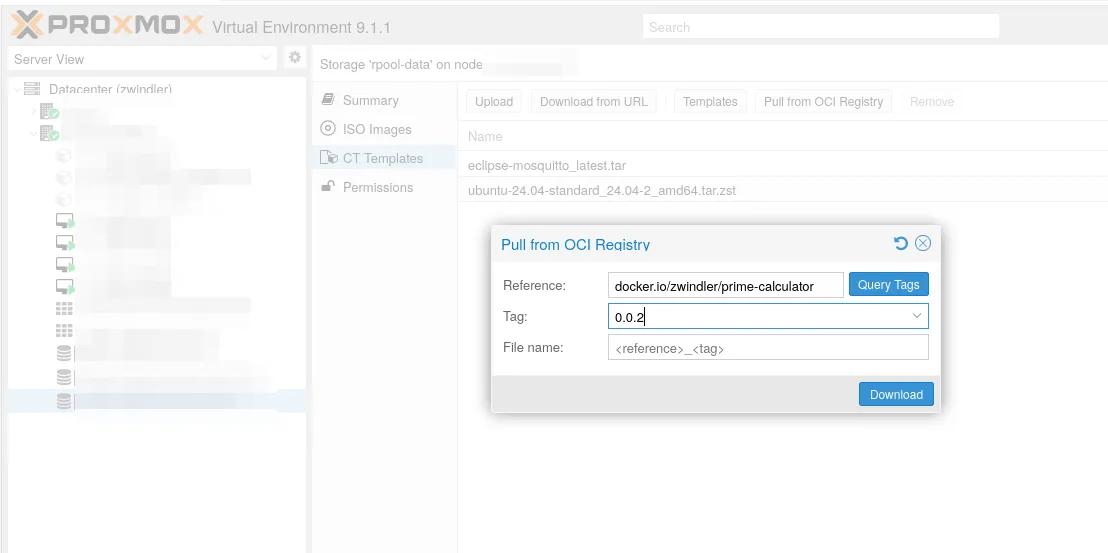
First, you need to pre-download the image you’re interested in to your storage (one that can host “CT Templates”).
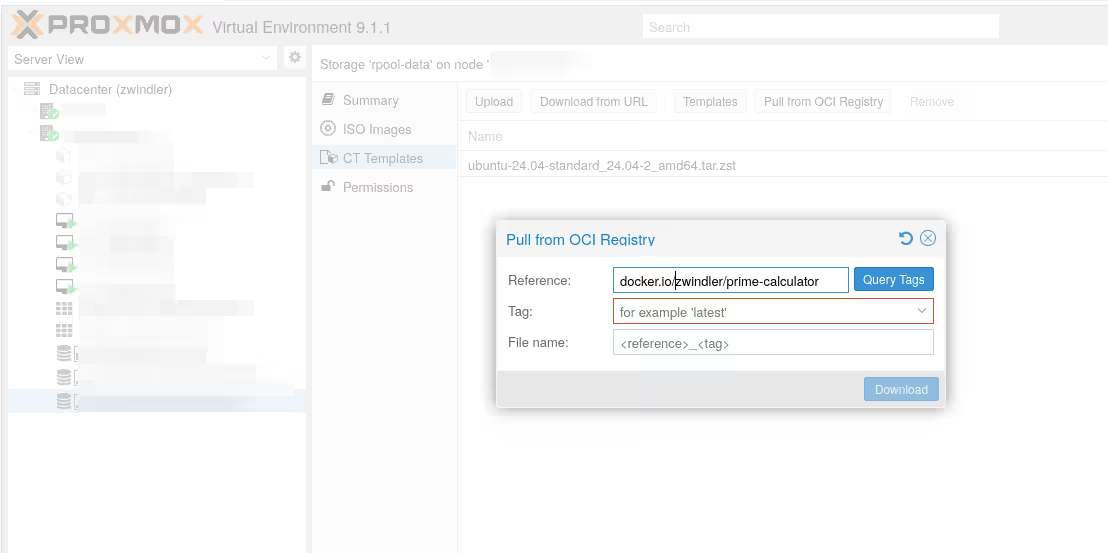
Fun thing, there’s a button called “Query tags”, which I imagine retrieves a list of tags. Well, it’s not starting well, it doesn’t work (at least not on docker.io…).
command 'skopeo list-tags docker://docker.io/zwindler/prime-calculator' failed: exit code 1 (500)
EDIT: since then, it works again, on all my nodes. Perhaps a temporary issue.
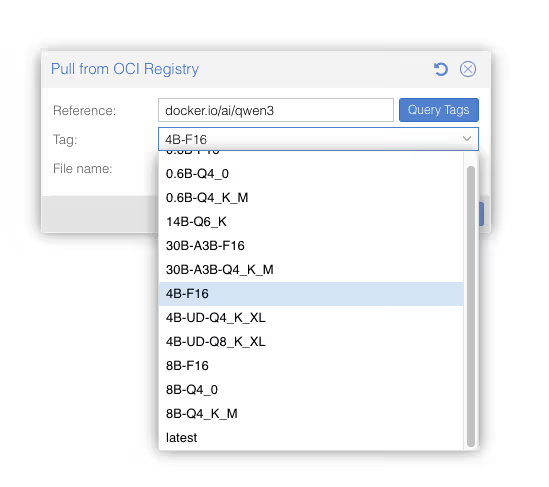
Note: skopeo is precisely one of the dependencies used in my “proxmox+docker hack” article that allows manipulating (mainly downloading) containers from remote registries.
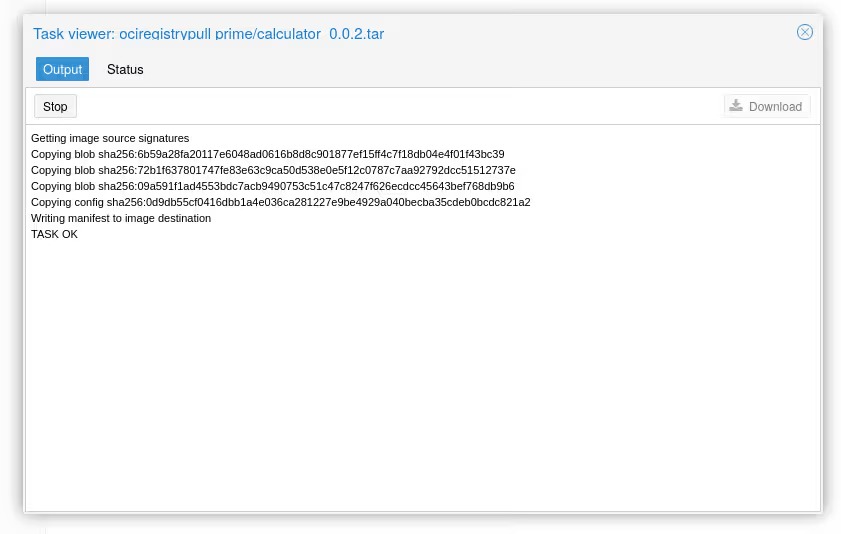
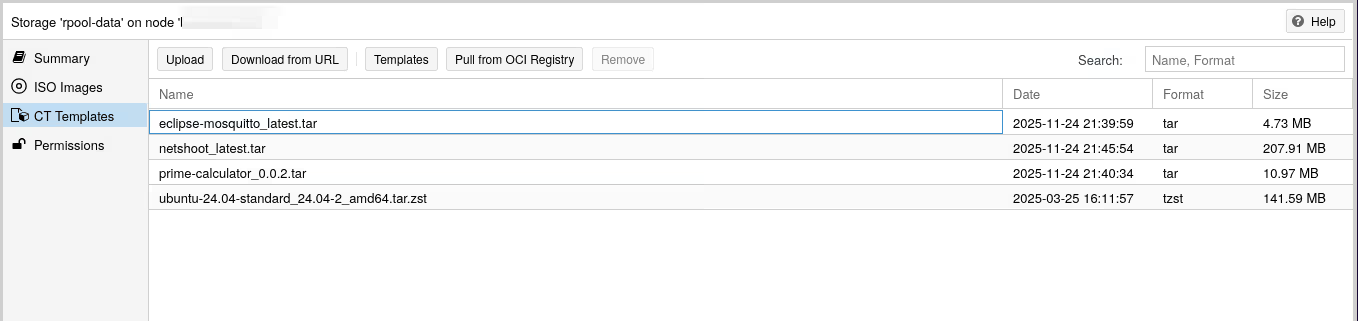
Creating the LXC Container
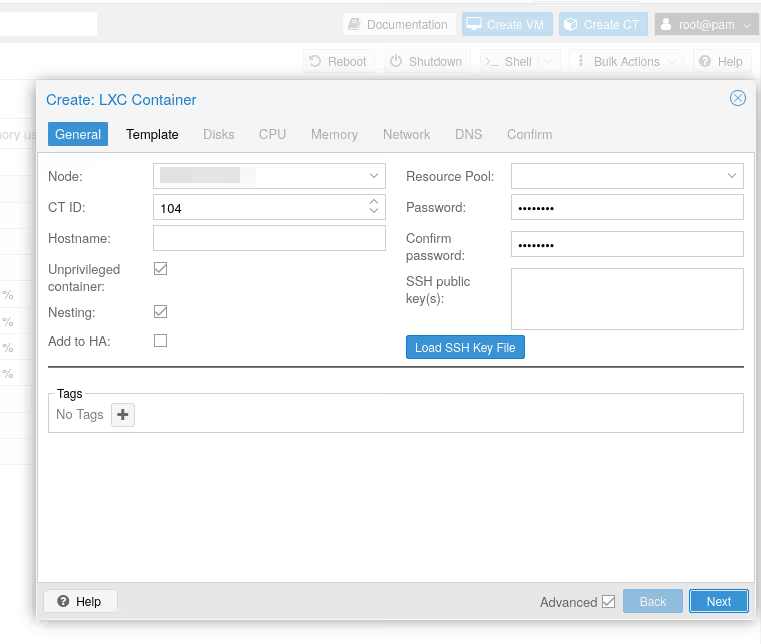
Now that the template (the OCI image) is available on our storage, we can create an LXC container as usual. Click on “Create CT”, give a CT ID, a password:
For the template, we choose our OCI artifact:
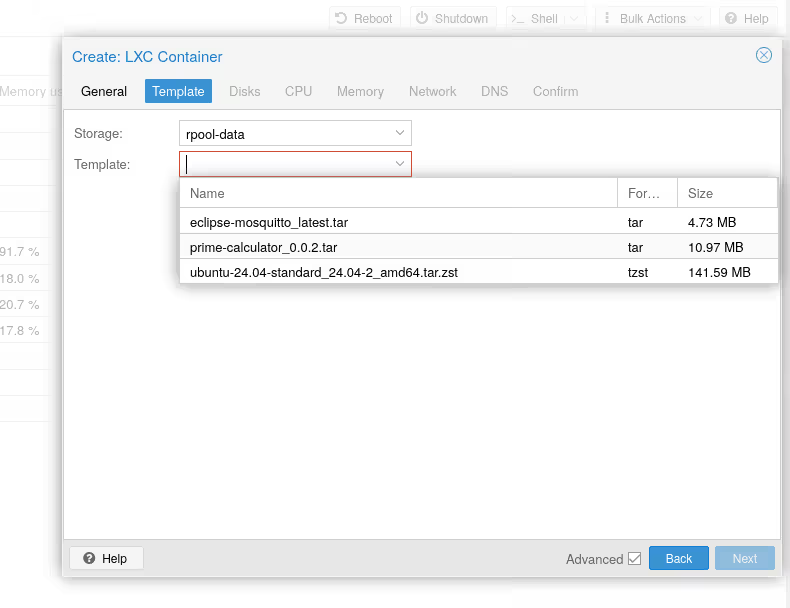
And validate. Proxmox should create our container:
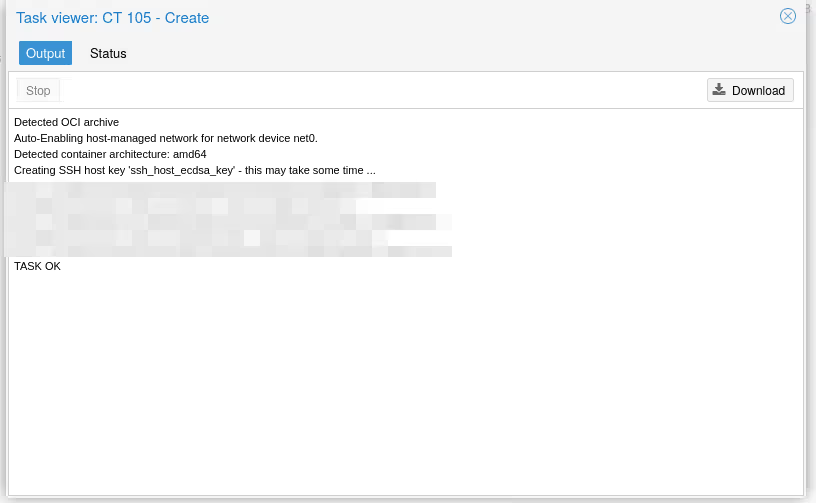
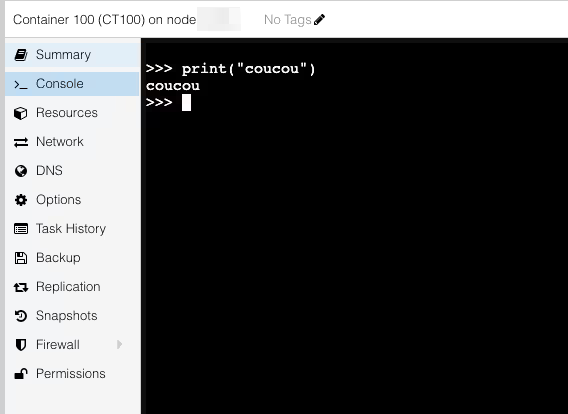
Even though the terminal tells us that application containers may not work well in the JS console, for all the containers I managed to start (see below), I always had a functional console.
So the bet seems rather successful.
Example with docker.io/python:3.11.14-trixie
When It Wasn’t Working (Yet)
I had 2 issues on a Proxmox VE 9.1 (that had been upgraded and tinkered with a bit, in short, a machine that had seen some use) starting an LXC container on OCI base with Proxmox VE 9.1 because I ran into 2 bugs.
I didn’t reproduce these bugs on a “fresh” install.
First Bug: “from scratch” Image
First, my prime-calculator image wasn’t even created.
TASK ERROR: unable to create CT 106 - Error while extracting OCI image: Unknown layer digest sha256:2bc4d17e1eb16f6b52acbafeb6d86c8f3eaf9588a5e2a7a245b6bb1d85e93396 found in rootfs.diff_ids: Unknown layer digest sha256:2bc4d17e1eb16f6b52acbafeb6d86c8f3eaf9588a5e2a7a245b6bb1d85e93396 found in rootfs.diff_ids
OK, fair enough. My image is a binary “from scratch”, with nothing but the binary, and maybe I made a mistake somewhere…
Still doesn’t work.
Second Bug: Unable to Start
However, even with known images, the container is properly created:
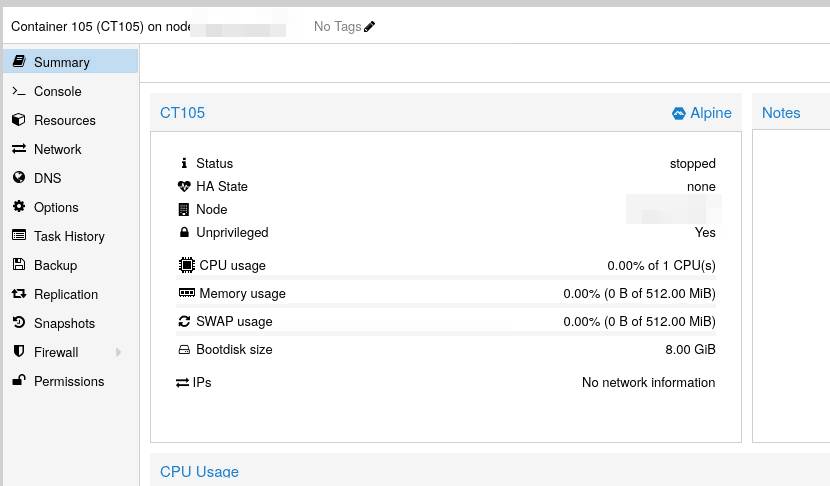
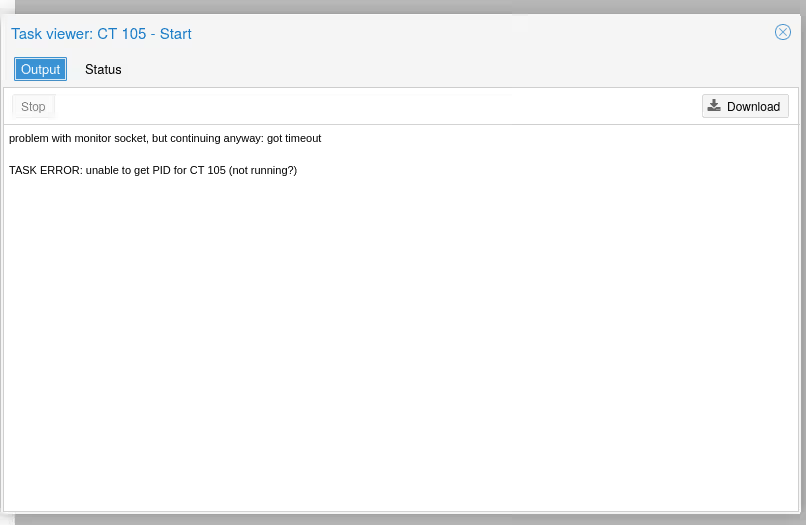
But impossible to start it:
problem with monitor socket, but continuing anyway: got timeout

TASK ERROR: unable to get PID for CT 105 (not running?)
Same error with command line:
pct start 105 --debug
problem with monitor socket, but continuing anyway: got timeout

lxc_start_main: 257 Container is already running
- Read uid map: type u nsid 0 hostid 100000 range 65536
INFO     confile - ../src/lxc/confile.c:set_config_idmaps:2295 - Read uid map: type g nsid 0 hostid 100000 range 65536
ERROR    lxc_start - ../src/lxc/tools/lxc_start.c:lxc_start_main:257 - Container is already running

unable to get PID for CT 105 (not running?)
After (laborious) investigation, it turns out it’s an AppArmor problem. I don’t know if I caused it with my tinkering or if it’s a more generalized bug for now (probably option 1, but 2 isn’t impossible either…)
Nov 23 10:37:26 node01 systemd[1]: Started pve-container-debug@105.service - PVE LXC Container: 151.
Nov 23 10:37:27 node01 kernel: audit: type=1400 audit(1764067047.008:175): apparmor="DENIED" operation="create" class="net"
Nov 23 10:37:27 node01 kernel: audit: type=1400 audit(1764067047.008:176): apparmor="DENIED" operation="create" class="net"
Nov 23 10:37:27 node01 systemd[1]: pve-container-debug@105.service: Deactivated successfully.
Nov 23 10:37:37 node01 pct[21369]: unable to get PID for CT 105 (not running?)
The temporary (and dirty) workaround is to disable the AppArmor profile for lxc-start, and remove any zombie files/processes.
apparmor_parser -R /etc/apparmor.d/usr.bin.lxc-start

ps aux | grep "lxc-start" | grep "105" | awk '{print $2}' | xargs -r kill -9
rm -f /var/lib/lxc/105/config.lock
rm -f /run/lxc/lock/var/lib/lxc/105
Note: You can also disable it permanently, but that’s obviously something you shouldn’t do.
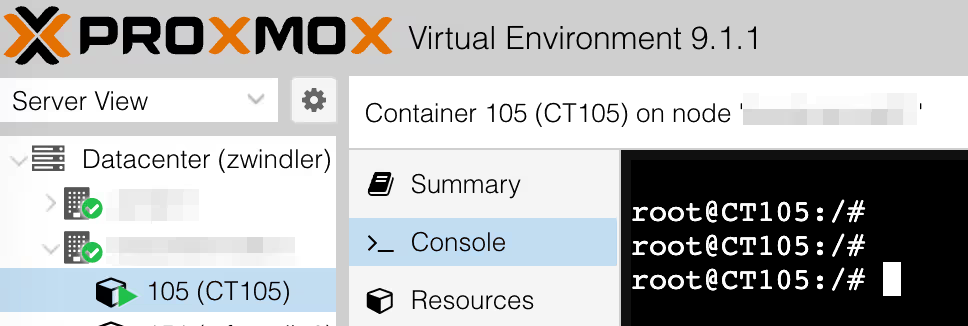
From there, the container is accessible, sometimes in console (depends on the container)
Conclusion
Apparently, the problems I encountered don’t reproduce on a “fresh install”. So it’s probably an issue related to my “old” machines.
As a bonus, another article in English that made me persevere when I understood it worked for some:
Note: this article helped me rediscover the pct enter CTID command that allows you to log into the container.
In the meantime, you still have my hack ;-)